Polystyren na míru / Blog

DXF, SVG or PDF? Which format to send

All three formats can contain a vector outline from which we prepare the cutting data. What matters more is which software you work in and whether the export is set up correctly.

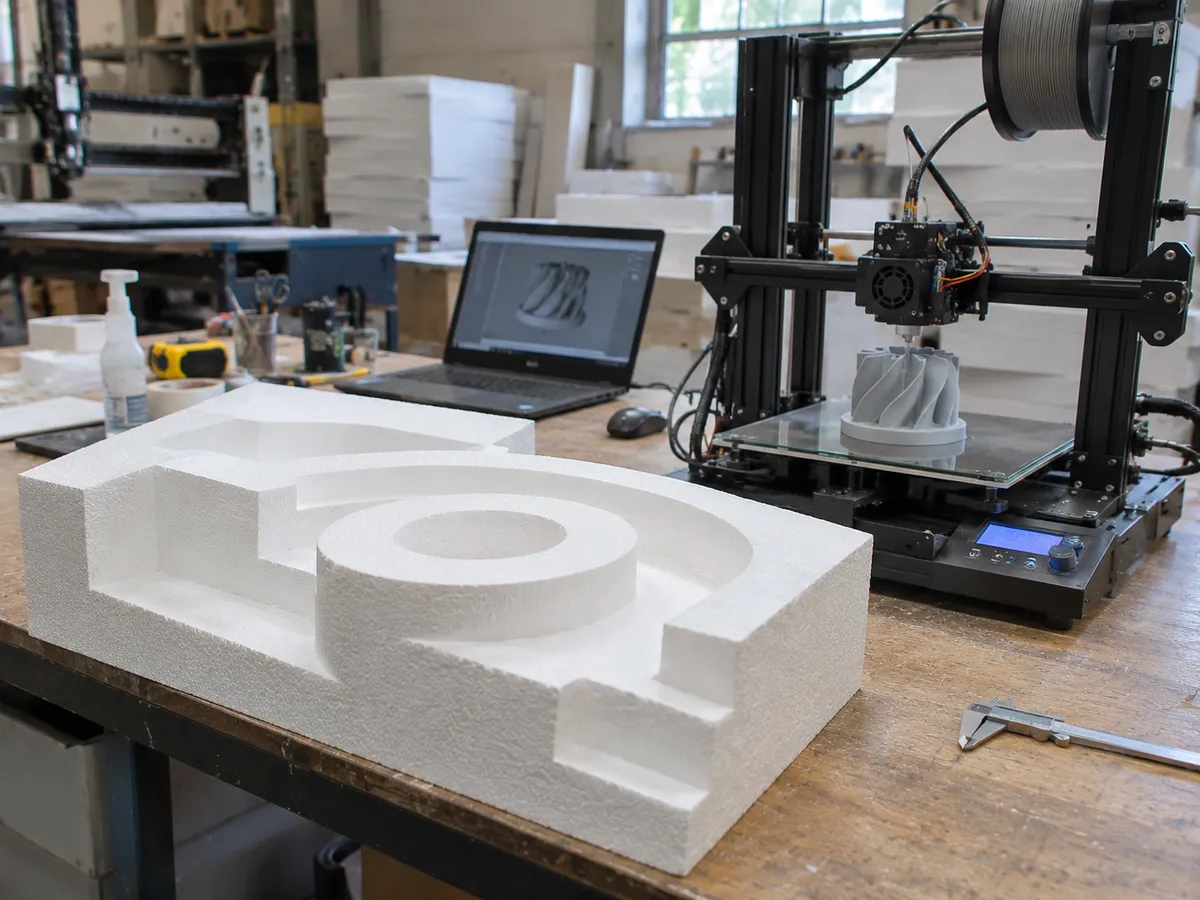
3D printer next to a polystyrene part in the workshop, illustrative visualisationIllustration

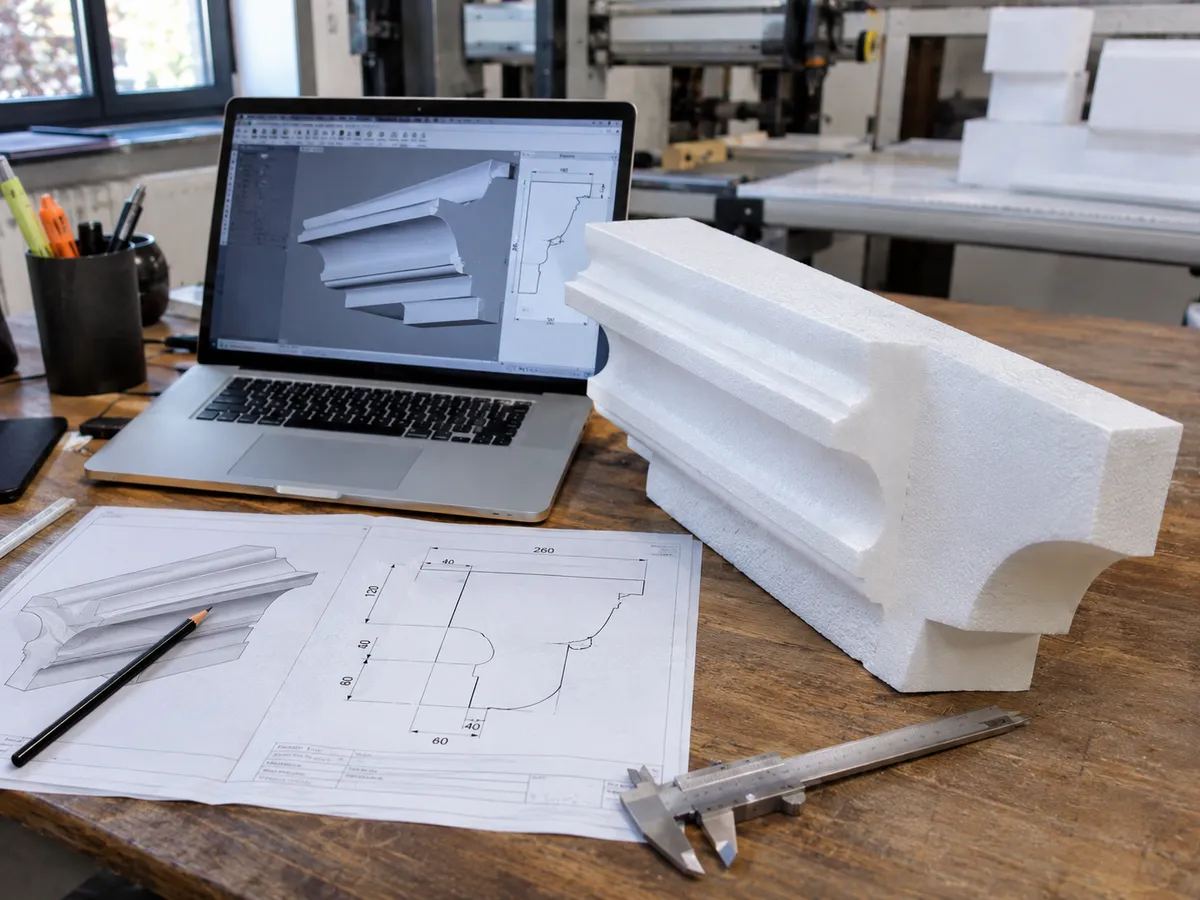
DXF for technical drawings

From AutoCAD, SolidWorks or other CAD software. It keeps exact dimensions in millimetres. Ideal for profiles and technical parts.

SVG and PDF for graphics

From Illustrator, Inkscape, CorelDRAW or Figma. Convert text to outlines before exporting. In a PDF, check that it contains vectors, not an embedded image.

Check before sending

Open the file and zoom in. If the edges break up into pixels, it is a bitmap. State the size or scale.
Before you ask

Answers to frequently asked questions

Do you accept files from Canva?

A PDF from Canva can contain vectors. Send it and we will check.

Do you accept DWG too?

Yes, we accept DWG from AutoCAD just like DXF.

Does the file have to be at actual size?

Ideally yes, in millimetres. Otherwise state the scale or one reference dimension.

Send us the dimensions, we will handle the rest.

A sketch on paper, a logo or a drawing. From it we propose the material, the method and the price.

Send your brief